Incident investigation
Review hosts, services, active problems, and relevant monitoring details from one mobile console.
HSH-NAG brings incident investigation and backend-aware operational actions to your Android device, so your monitoring estate stays close when you are away from your desk.
 A purpose-built mobile console for serious monitoring work.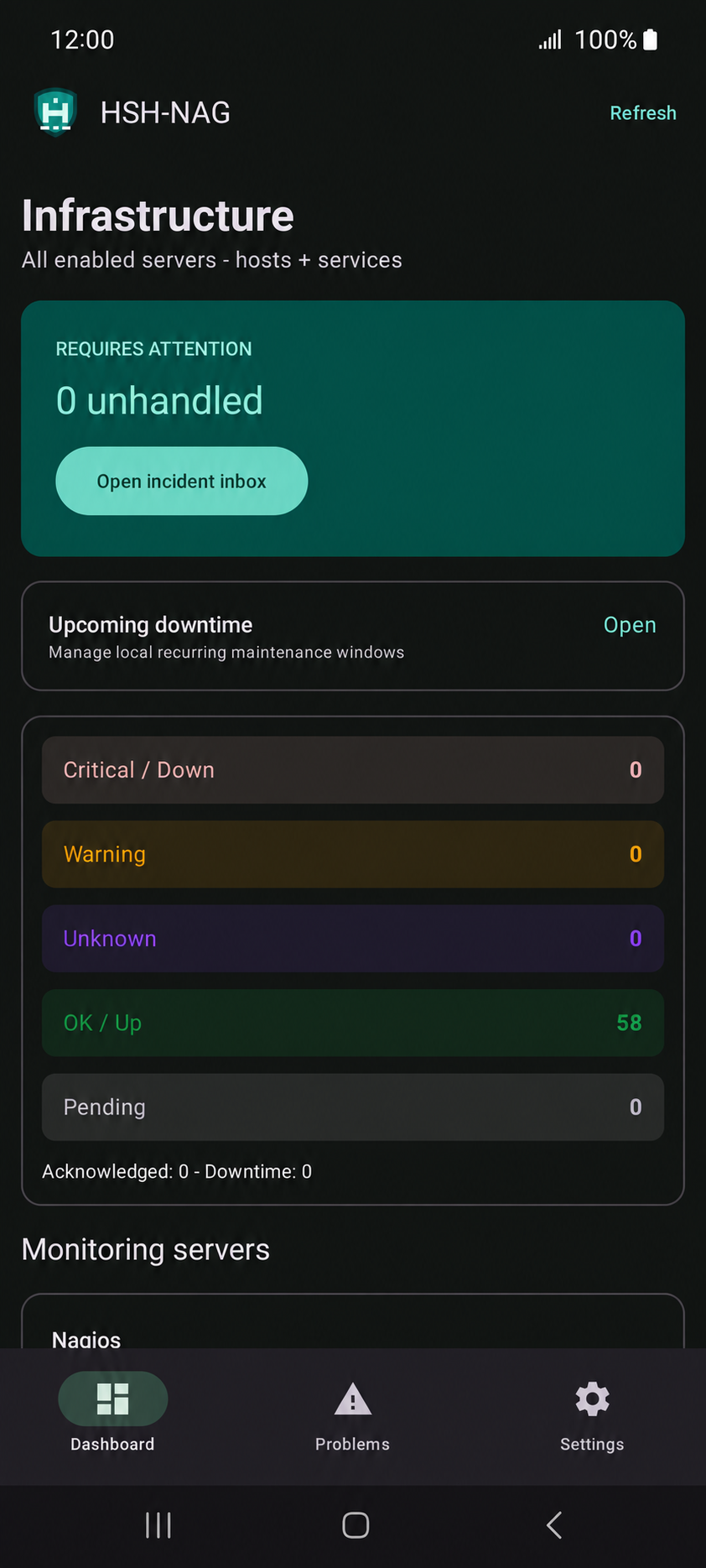
Connect your monitoring servers, inspect cached status snapshots, investigate incidents, and use actions that are supported by the selected backend and your account permissions.
Review hosts, services, active problems, and relevant monitoring details from one mobile console.
Operational controls are scoped to your configured integration, helping you act with the context your platform provides.
Stay informed with Android notifications, background refresh options, and supported recurring downtime workflows.
 Nagios Core
 Icinga 2 REST API
 Checkmk API v1
 Zabbix JSON-RPC
 Thruk REST API v1
HSH-NAG is an independent, unofficial integration. It is not affiliated with, endorsed by, or sponsored by Nagios, Icinga, Checkmk, Zabbix, or Thruk. All product names and logos are the property of their respective owners.
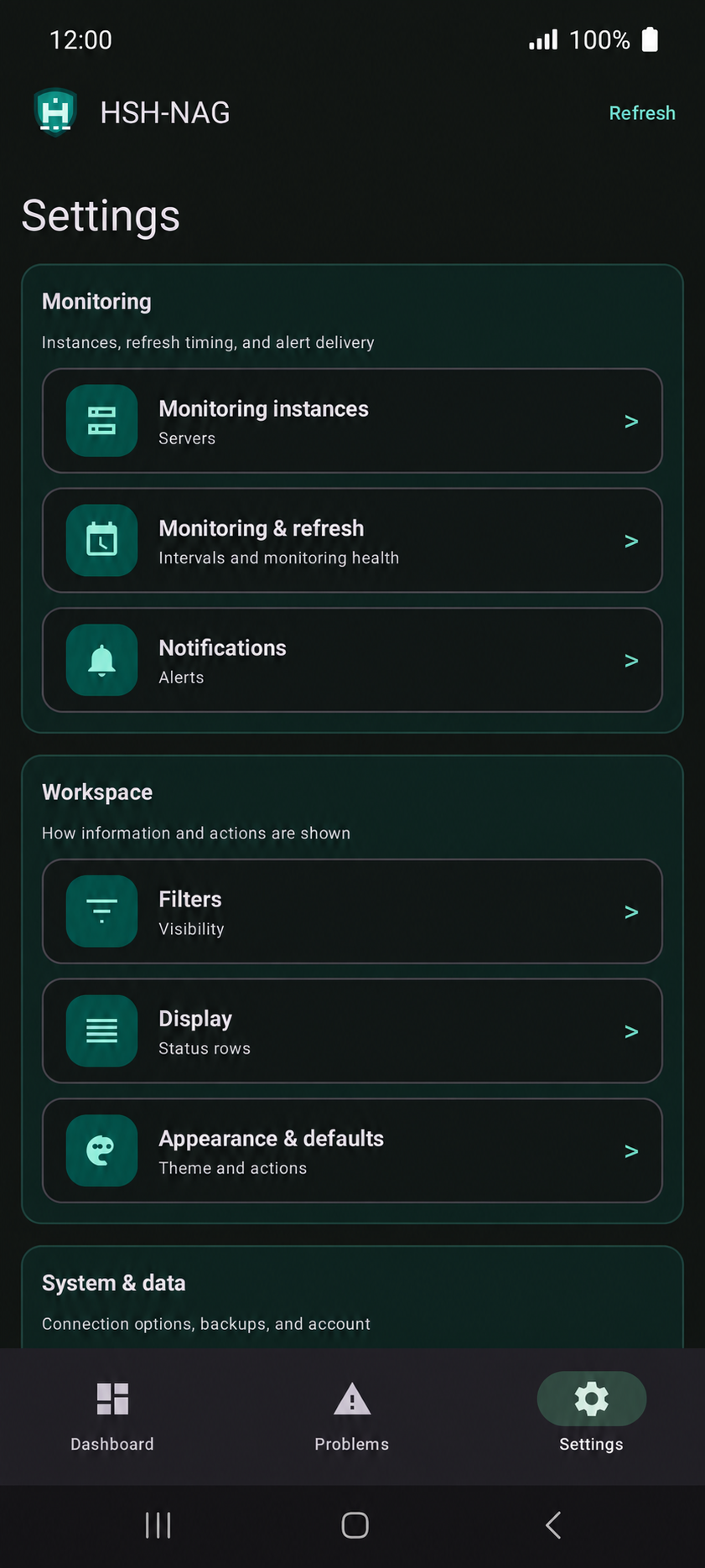
The dashboard focuses attention on active incidents and status counts. Settings keep monitoring instances, refresh behavior, alerts, and display preferences close at hand.
HSH-NAG connects to your existing monitoring platform. Its available data and actions depend on that server’s configuration and the account you use.
Download the app from Google Play and open it on an Android device running Android 8.0 or later.
Open Settings, choose Monitoring instances, then add a server and select its platform: Nagios Core, Icinga 2, Checkmk, Zabbix, or Thruk.
Use the server or API address required by your platform. Prefer HTTPS, keep certificate verification enabled, and never include a password or token in the URL.
Enter the username and password or API token supported by that integration. HSH-NAG stores per-server credentials securely on the device.
Use the in-app connection test before saving. If it fails, check the endpoint, account permissions, certificate chain, firewall, and API/CGI access.
Choose the refresh cadence and notification rules that suit your team. Android power and network rules can defer background work.
HSH-NAG supports Nagios Core, Icinga 2, Checkmk API v1, Zabbix JSON-RPC, and Thruk REST API v1. What you can see or do depends on the selected backend and the permissions assigned to your account.
Check that the address is reachable from the phone, the correct API or CGI endpoint is used, and the account has access. For HTTPS connections, also confirm that the server certificate and hostname are valid.
Per-server credentials are stored using Android’s encrypted storage and are not included in normal settings backups. Keep URLs and backup files protected, and do not place secrets in a URL.
It can schedule background refreshes and alerts, but Android may defer work because of battery, network, foreground-service, or exact-alarm restrictions. A refresh interval is a preference, not a delivery guarantee.
Yes. HSH-NAG is designed to manage multiple monitoring instances. Availability may depend on the installed edition and your Google Play entitlement.
Contact support@troian.ro with the monitoring platform you are using, a short description of the issue, and non-sensitive error details.
Install the app to monitor your environment, investigate problems, and take supported actions while you are mobile.